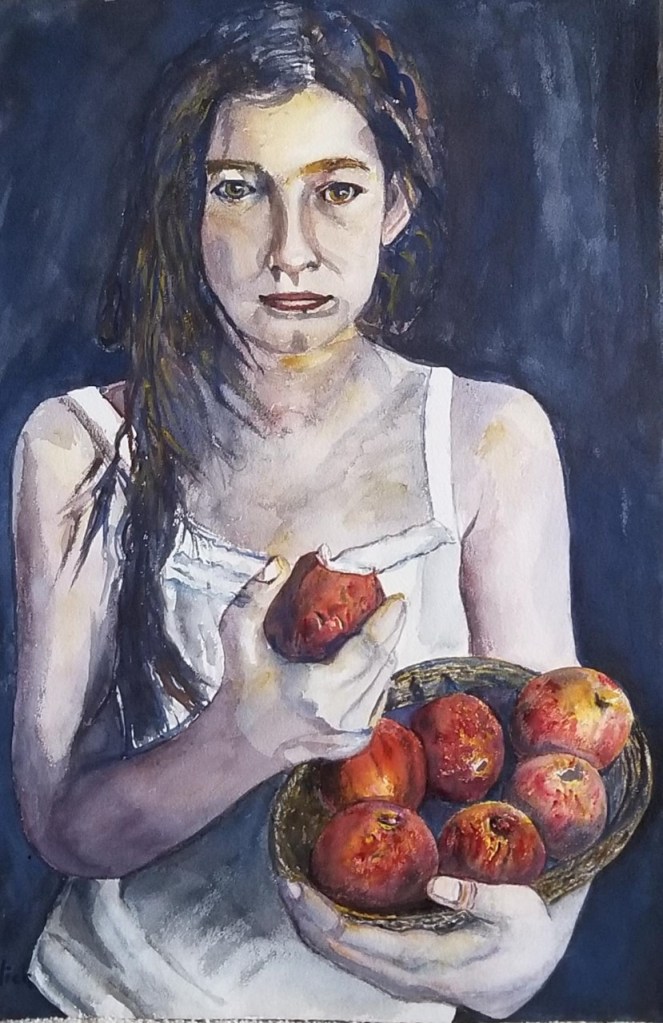
This is where you write about this single painting. You can include the size, medium, paper/canvas, etc. This page is where you want the small page from the gallery to link. To do that, copy the URL at the top and paste it into the edit box back on the Watercolors page and into the title for the Girl Eating Apples photo.
To create a page like this for each of your paintings, follow these steps:
- Click the black W logo in the upper left
- Choose POSTS (you do this as a post not page. posts can be tagged so you can select recents)
- Choose ADD NEW
- GIve the new posting page the title of your painting.
- Hover the cursor below the title until the line with the + mark appears and click it.
- In the icons that appear, click on IMAGE
- Select the image for the painting from your media library
- Then follow the directions above (write about the painting, etc.)
THEN, go to the right close to the top where you see POST and BLOCK. Click POST. Go down to where you see Categories. Enter the category here (watercolors). Scroll down to Tags and add new tag. Here, I entered the tags: figurative, recent, apples. You can type any categories you want. Viewers will be able to select them from the Home page.
REMEMBER TO UPDATE to save
 Ron Erlich Art